WARNING: THIS SITE IS A MIRROR OF GITHUB.COM / IT CANNOT LOGIN OR REGISTER ACCOUNTS / THE CONTENTS ARE PROVIDED AS-IS / THIS SITE ASSUMES NO RESPONSIBILITY FOR ANY DISPLAYED CONTENT OR LINKS / IF YOU FOUND SOMETHING MAY NOT GOOD FOR EVERYONE, CONTACT ADMIN AT ilovescratch@foxmail.com
Skip to content

ikyih/SneakySastools

Repository files navigation

Sneaky Sastools

A Sneaky Sasquatch Save Editor

How to use

Locating your save file

Go to your macintosh hd location on your mac then open the Users folder. In there, click your name. Press ⌘ + Shift + . after that, a folder called Library should show up. In Library, search up "com.rac7.SneakySasquatchMac." Open the folder at the path /Users/(YOUR USERNAME)/Library/Containers/com.rac7.SneakySasquatchMac/Data/Library/Application Support/com.rac7.SneakySasquatchMac/. Now you have all of the files you need.

Downloading The Program

Go Here.

Screenshots

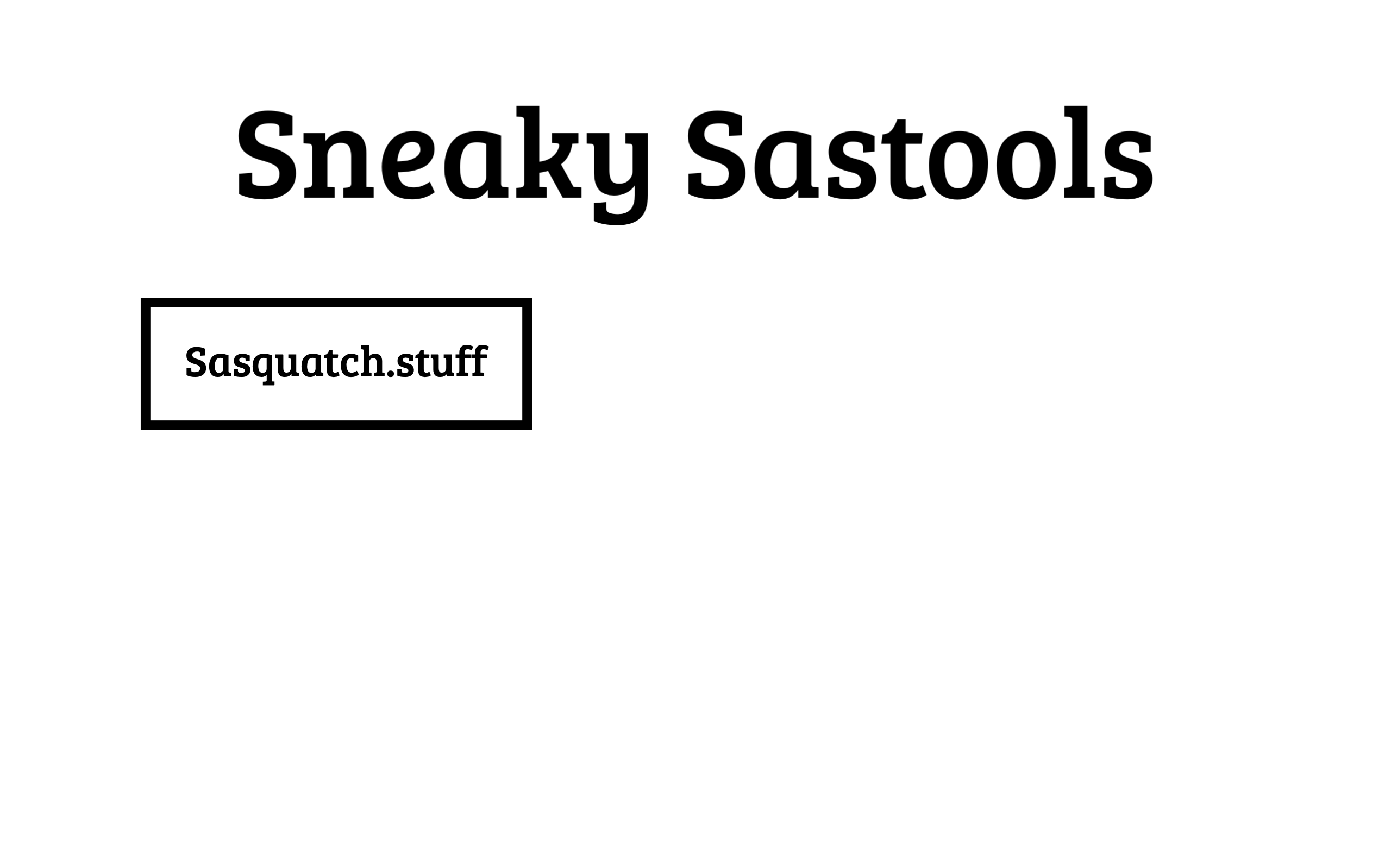
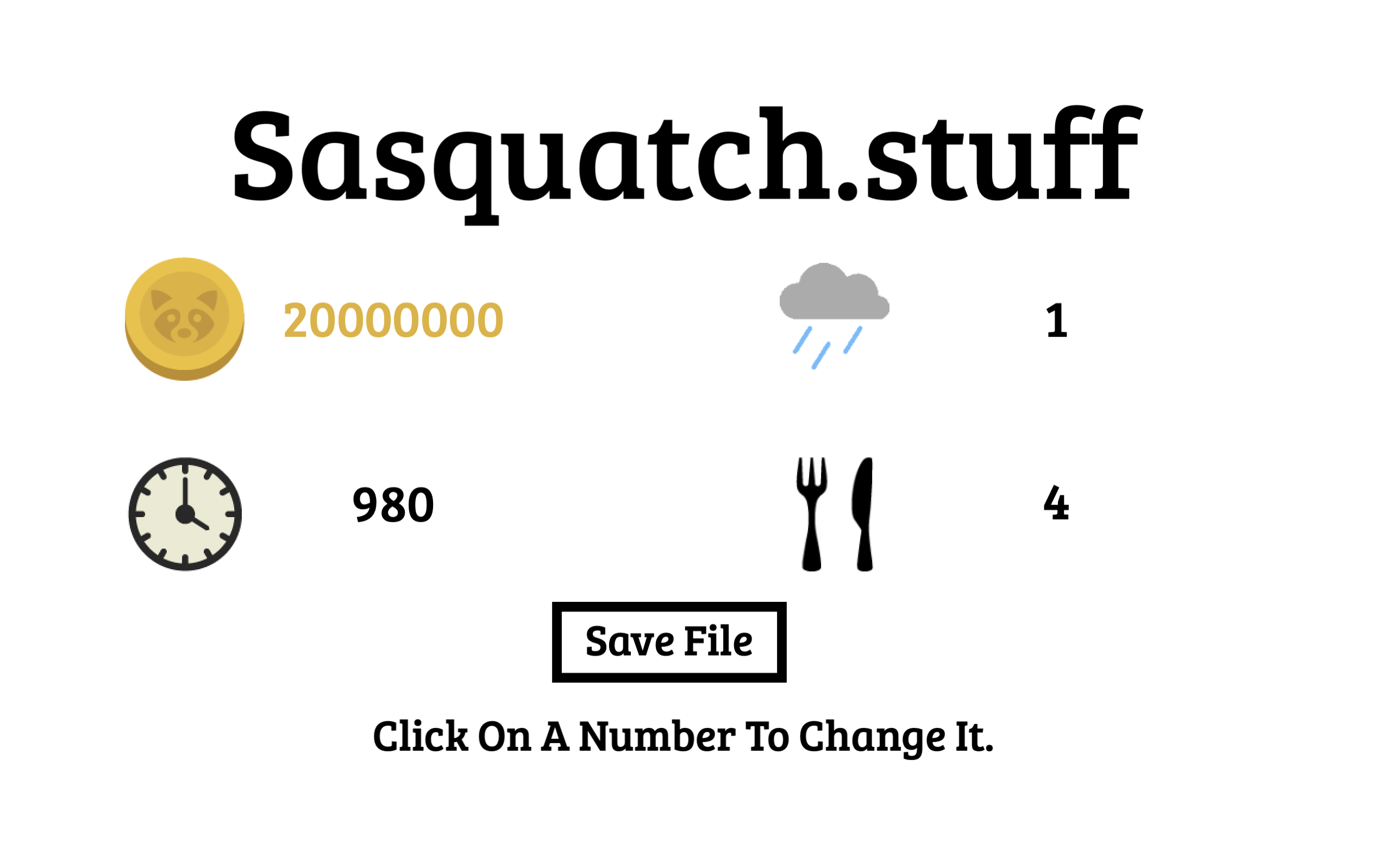
Title Screen sasquatch.stuff editor

About

Full Sneaky Sasquatch Save toolkit

Resources

Stars

Watchers

Forks

Packages

No packages published

Languages