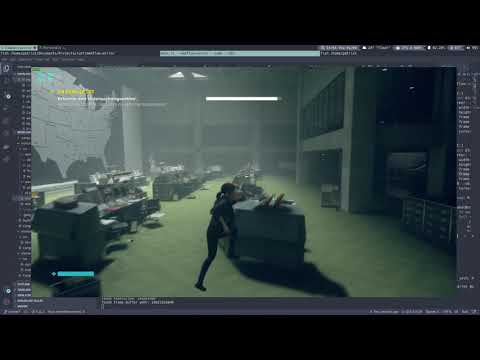
work in progress framebuffer mirror based on memflow.
Compile the guest-agent on Windows with:
cargo build --release --bin mirror-guest --all-featuresThen run the mirror-guest.exe from the target/release/ directory.
In case you encounter a No such file or directory error from the build.rs script make sure to install the dependencies of the winres crate.
Run the mirror tool with:
cargo run --release --bin mirror --all-features -- -vvIt is recommended to use the memflow-kvm connector as it currently has the best performance.
When running the mirror tool with the default features the memflow inventory will be used.
Since this project depends on memflow/next it is necessary to install memflow-win32 and a connector.
The simplest method currently is to use the memflowup tool which has an interactive installation mode:
curl --proto '=https' --tlsv1.2 -sSf https://sh.memflow.io | shThen follow the on-screen-instructions.
memflow-mirror can also be used as a library / crate in your own projects. Simply add the appropiate entry to your Cargo.toml:
[dependencies]
...
mirror = { git = "https://github.com/ko1N/memflow-mirror", branch = "master" }
...
A full example can be found in the examples folder.


Licensed under MIT License, see LICENSE.
Unless you explicitly state otherwise, any contribution intentionally submitted for inclusion in the work by you, shall be licensed as above, without any additional terms or conditions.